How to find your Airbnb search link
Use a browser, not the Airbnb app The app does not show the full search link.
Open Airbnb in your browser
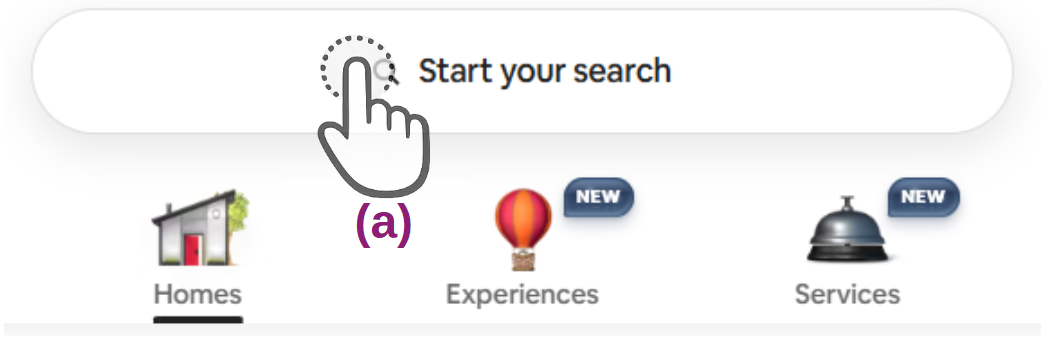
You do not need to log in. Use any Airbnb language you prefer. Start the search at position a.
Enter your search details
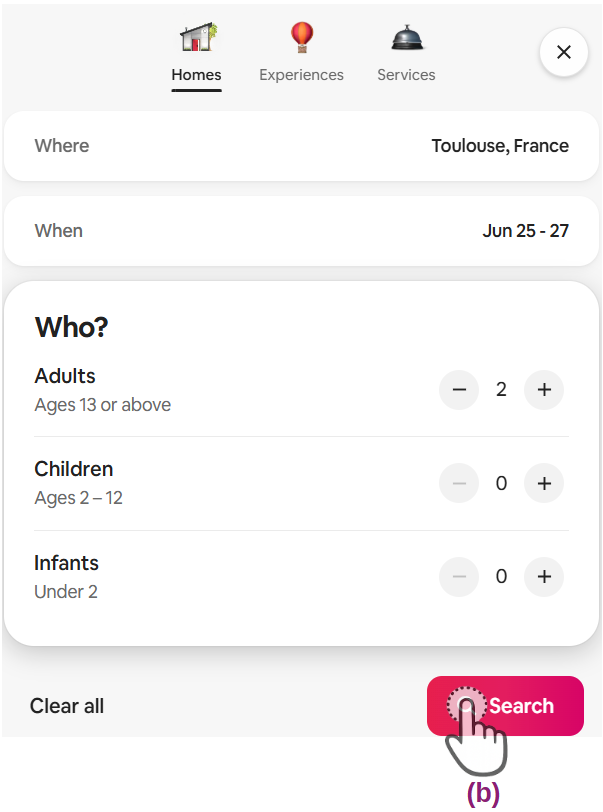
Choose the place, dates, and guests. Then start the search at position b.
Choose your filters
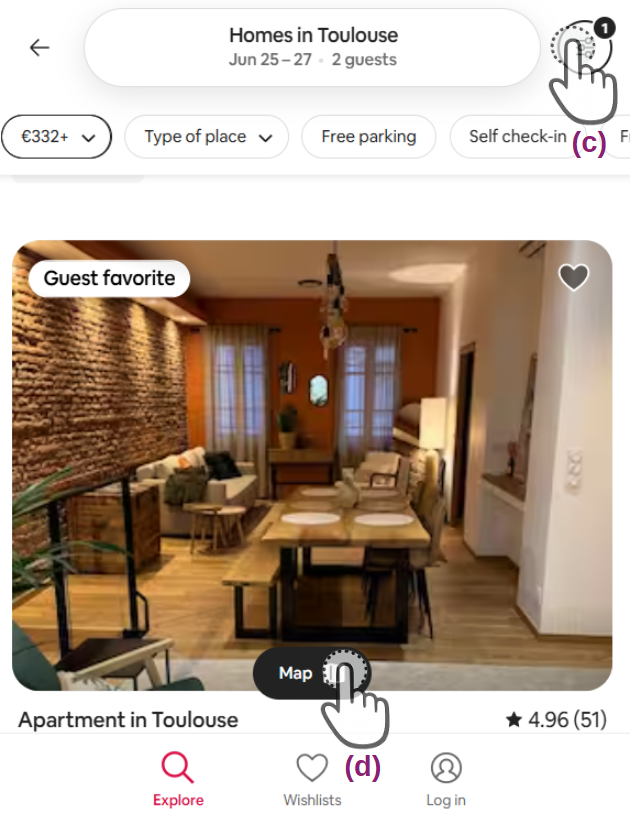
Set the filters you need at position c. For example, property type, price range, bedrooms, amenities, or cancellation options.
Then open the map at position d.
Adjust the map and copy the full search link
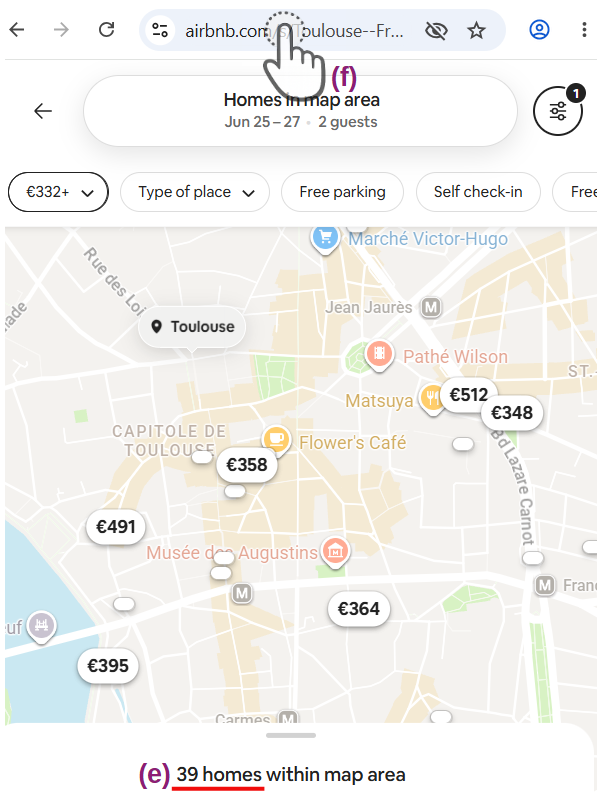
Move and zoom the map to the exact area you want to monitor.
Keep the search below 250 listings. The result count is marked at position e.
Tap or click the address bar at position f. The full Airbnb search link will appear.
Copy that full link and paste it into Scanflowio.